ACCELERATE YOUR VIDEO STRATEGY
The playback layer for better live sports experiencesDolby OptiView Player is where the fan experience comes to life. It helps service providers deliver more consistent, more immersive, and more reliable live sports experiences across platforms.
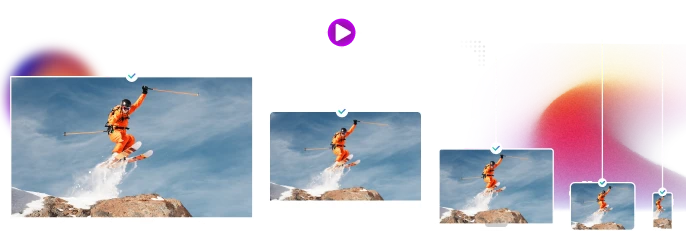
Dolby OptiView Player works across a wide range of platforms, helping improve playback quality, reduce startup time, and bring live sports experiences to more screens with confidence.

Open-source connectors help service providers integrate DRM, advertising, analytics, and other core services more quickly, so teams can stay focused on the experience they want to build.

With strong React Native and Flutter support support, Dolby OptiView Player helps teams streamline cross-platform delivery and reduce duplicated effort.
Immersive playback
Bring premium picture and sound to live sports
Dolby OptiView Player supports Dolby Vision and Dolby Atmos playback in supported workflows and compatible environments, helping live sports look sharper, feel richer, and sound more like they should.
Ad-supported experiences
Support monetization without compromising the experience
Dolby OptiView Player helps service providers support ad-supported live sports experiences across more devices, including older smart TVs, while enabling smoother transitions between content and ads.
- Expand reach across more monetizable platforms
- Support smoother ad experiences across playback environments
- Help keep the fan experience more consistent
Learn more
Focus on differentiation
Free up resources for the work that sets you apart
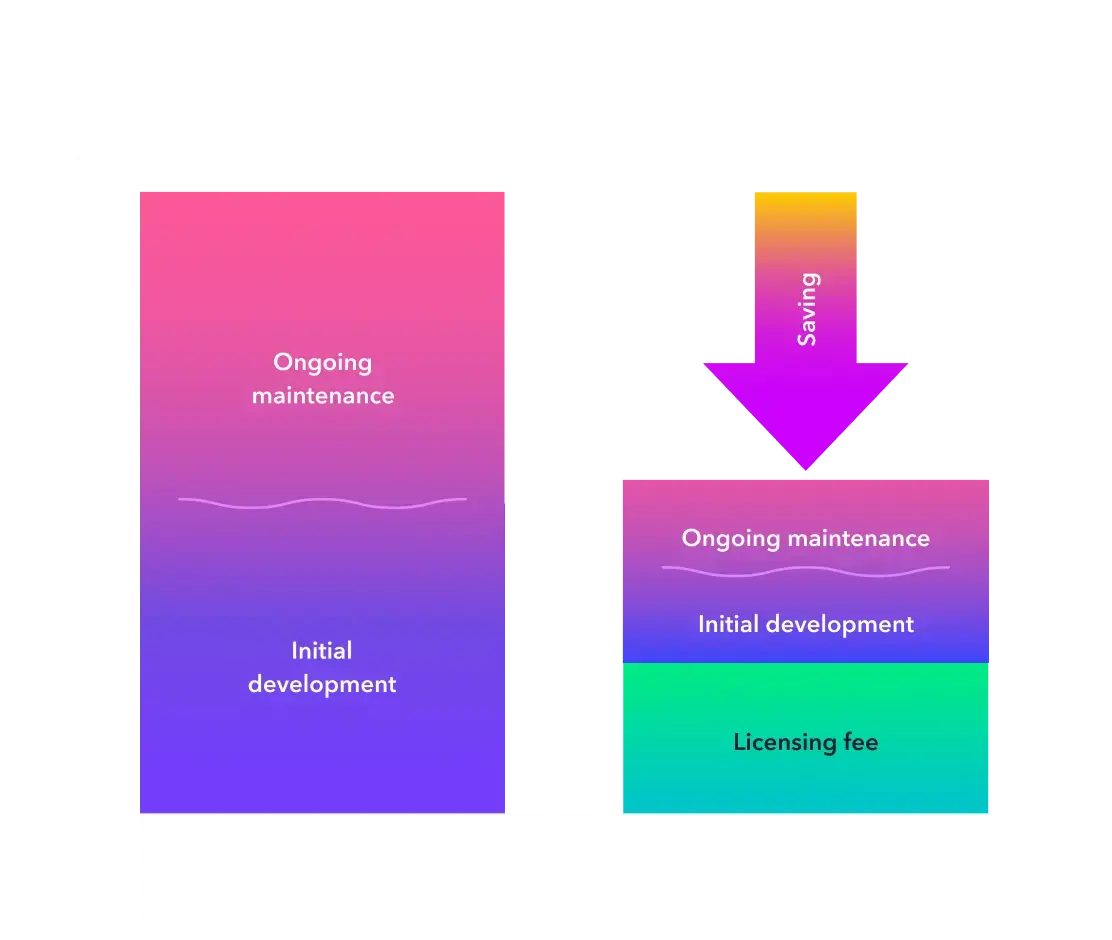
Dolby OptiView Player helps teams spend less time managing playback complexity and more time building differentiated live sports experiences.
Talk with our team
Low and consistent latency
Keep fans close to the live moment
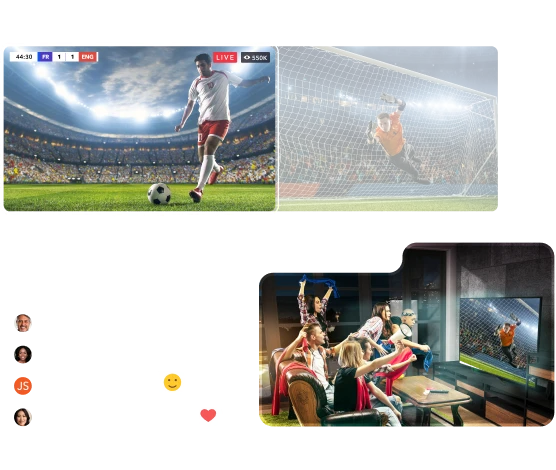
Dolby OptiView Player supports LL-DASH and LL-HLS playback and works with Dolby OptiView Streaming to help keep live sports closer to the action and reduce spoiler effects.
Dolby Real-Time Streaming
Developer experience
Help developers move faster from day one
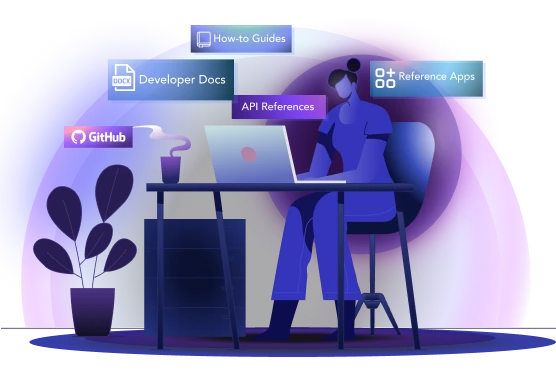
Getting-started guides, sample apps, SDK controls, and open-source UI components help teams move faster with less friction.
Download Datasheet
Open Video UI
Customize the player to match your brand
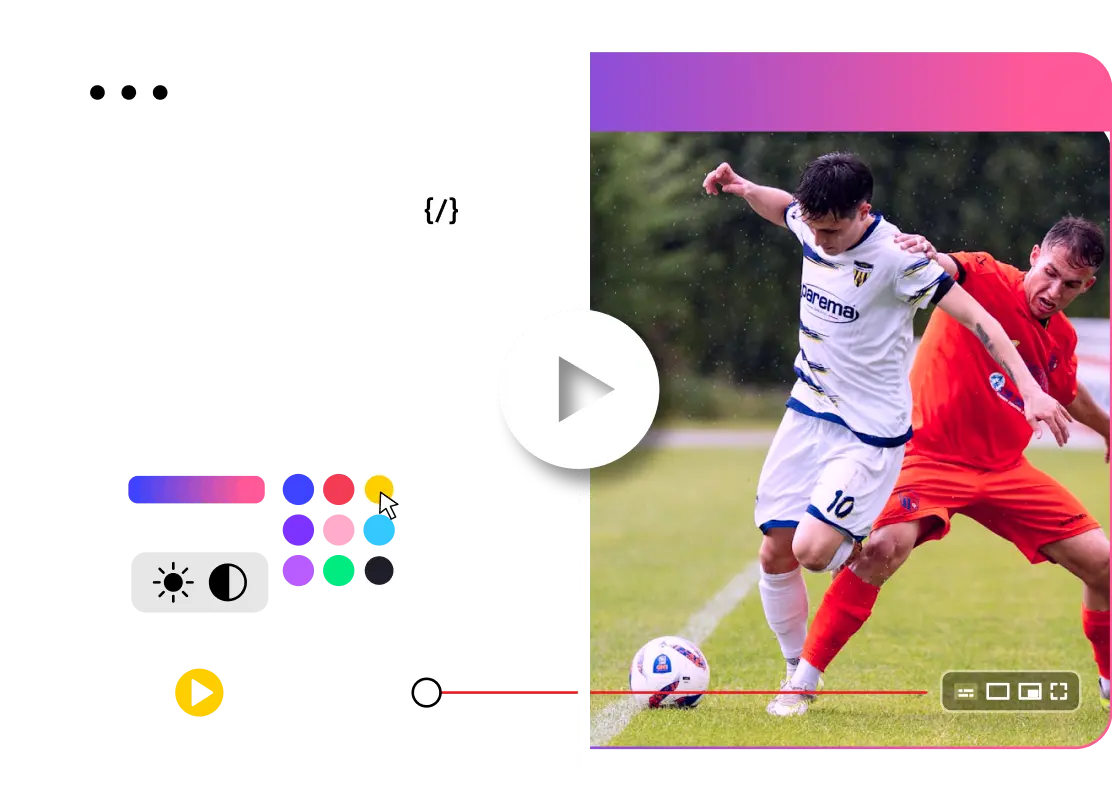
With Open Video UI, teams can tailor the player experience across platforms while keeping a consistent brand feel.
Learn More
OPTIMIZED FOR EVERY PLATFORM
Dolby OptiView Video Player SDKs
6 highly optimized video playback SDKs power a world-class playback experience on all platforms
Main Headline



ITV Chooses Dolby OptiView Player After a Comprehensive Video Player Evaluation

How the NFL Delivers a Great Video Experience
NASCAR Partners with Dolby for Premium Cross-Platform Video Playback Experiences
Content Arena Collaborates with Dolby OptiView to Grow Revenue for Rightsholders and Sportsbooks
Fz Sports Enhances Viewer Satisfaction with Dolby OptiView in Just 6 Weeks
Trusted by the best companies in the world






Explore more content about Dolby OptiView Player
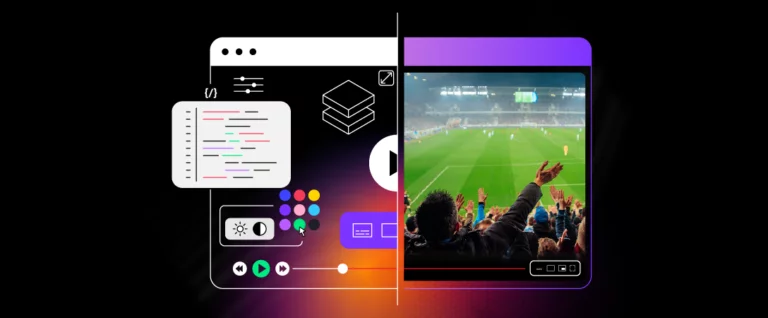
Build vs. Buy: Evaluating Open-Source vs Commercial Video Player Solutions
Media and entertainment companies face a critical decision in delivering exceptional video experiences to their audiences—should you …

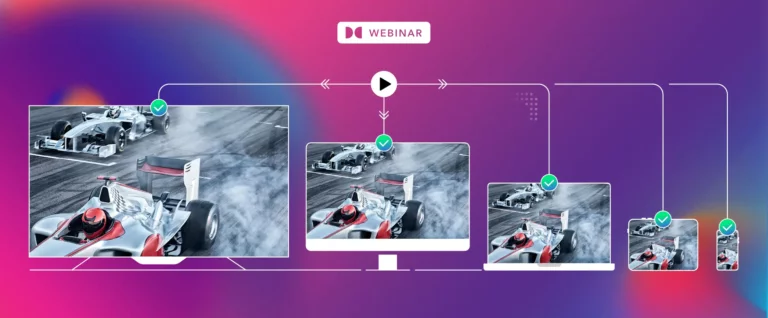
Webinar recap: How to Simplify Your OTT App Testing Cross-Platform
Tune into our session where we discuss how to simplify the testing of your OTT app …
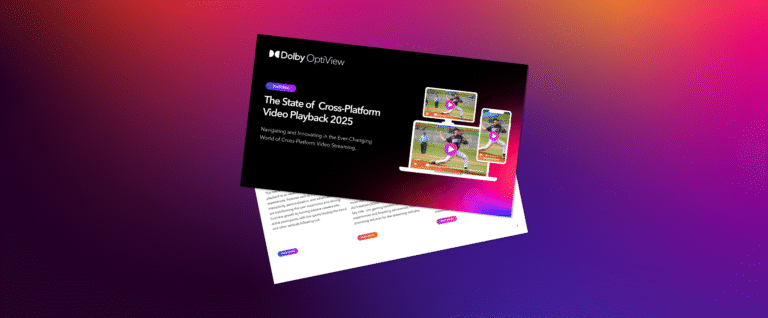
Market research: The State of Cross-Platform Video Playback
Latest insights on the state of cross-platform video playback We’ve put together this report to give you …
Explore the solutions
Start with the area that matters most today. Each solution works on its own and gets stronger together.
Experience superior playback with Dolby
Ready to deliver an exceptional playback experience for your viewers? Accelerate your time-to-market and unlock new revenue opportunities with Dolby.